Apk Market

Download Android Apps,Games,Live Wallpapers & Themes

Popular Posts

Showing posts with label Personalization. Show all posts


Ultimate Call Screen HD: Fullscreen Caller ID. Call Blocker and Sensor actions!


Ultimate Call Screen HD Pro play.google.com.ucs
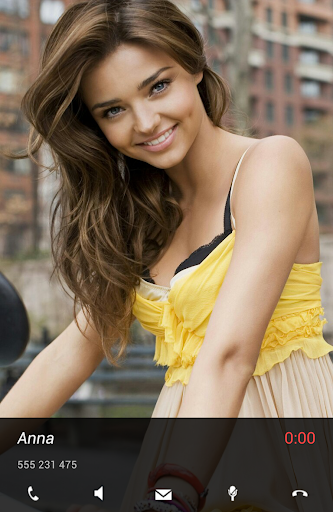
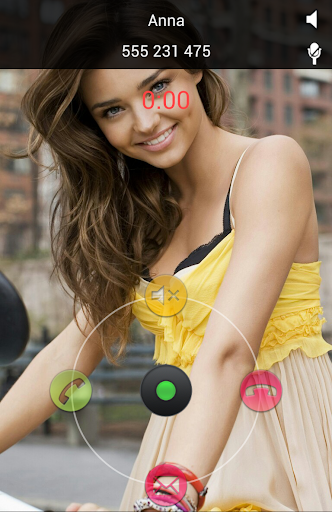
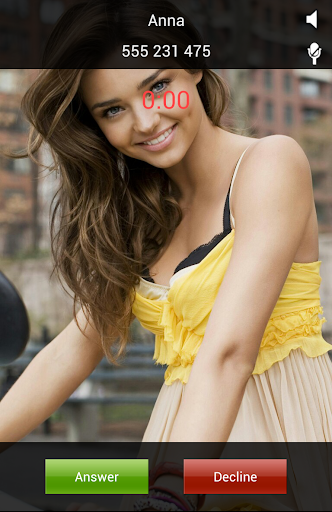
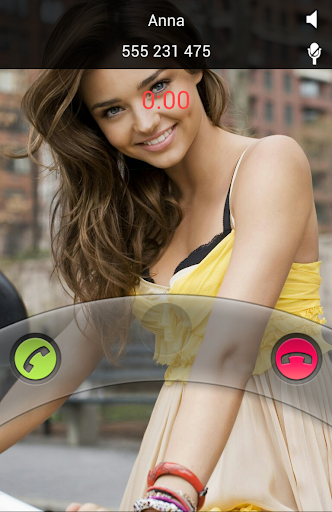
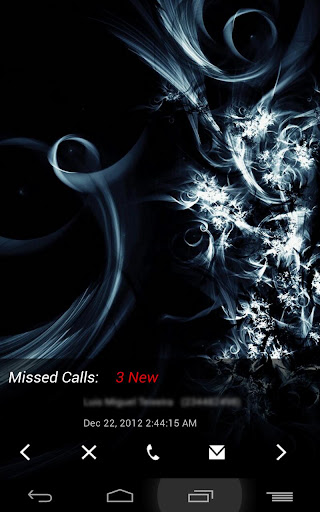
Ultimate Call Screen HD Free combines a Fullscreen Caller ID replacement, contact picture manager, call blocker, and, on top of that, sensor-base actions such as rejecting calls by turning the phone screen-down, and swipe gestures just to be sure you handle your phone any way you want to.

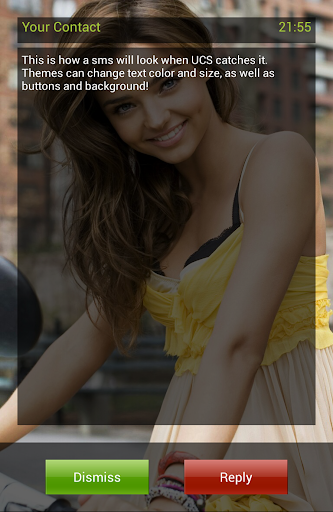
Licensed users can link phone contacts to Facebook profiles, and use their HD profile pictures as call screens. Also with the License comes Ultimate SMS Screen, the name says it all.

All this on the same package, working from Android V2.1 to ICS, on any resolution on any phone.

There is no limit on the number of contacts you can personalize or block on the Free version. There are no adds and no timeouts. I believe on added functionality for value, not crippling the app to force buys.

Important:
To access the dialpad and other standard functions, press "back" button while on a call, or use the enable the "swipe down" feature to do the same

Feature:

General:
  • No limit on number of contacts to personalize.
  • Apply pictures to contacts directly from your gallery, with the android "share" function. Just choose "Add to UCS"!
Full Screen Caller ID
  • Selectively enable only for outgoing/incoming calls
  • Enable swipe gestures to bring up the default phone interface
  • Press "Back" when UCS is handling a call to jump back to your default phone interface
  • Choose pictures from gallery or take from camera
  • Image cropper with multi-touch zooming
  • Per-contact blocking
  • Preview each contact callscreen
  • Define a global default HD picture for those contacts you don't feel like personalizing
  • Optional on-screen "loudspeaker" button
  • Option to show/hide status bar on lockscreen
  • Optional haptic feedback (vibrate)
  • Different default pictures for known and unknown contacts
  • Hide parts of the call screen for cleaner interface.
Call Blocker
  • Block individual contacts.
  • Global Activate/deactivate call blocking, overriding individual contact block status.
Sensor based actions
  • Activate/deactivate sensor actions
  • Set the "Turn to reject" feature: Turn the phone screen-down to reject an incoming call.
Pro Features:
  • Intercept and show SMS messages with fullscreen caller picture below. Fully themable SMS screen.
  • Option to make incoming SMS show above lockscreen, including turning the screen on
  • Dismiss or reply to sms directly from UCS SMS screen, with buttons or swipe gestures
  • Link your contacts to Facebook friends and use their HD profile pictures as call screen.
  • Setup UCS to use your current android contact picture as fullscreen caller ID.
  • Enable swipe gestures to answer, decline,or bring up your default phone interface
  • Use UCS themes to personalize your call screen even more! Different default themes for known and unknown contacts, as well as hiding callscreen elements.
  • Setup different themes for individual contacts
  • Activate the "Turn to mute ring" feature (if your hardware supports it).
  • Activate the "Turn for loudspeaker" feature (if your hardware supports it).
  • Activate the "Block all incoming calls" feature: every single call will be blocked.
  • Activate the "Whitelist mode". This allows you to invert the blocking selection, and all contacts NOT marked for blocking will be blocked.
  • Activate the "Block Unknown Callers" feature.
What's in this version : (Updated : Jan 29, 2015)
  • Lollipop users can now answer calls inside UCS
  • Lollipop compatibility issues
Required Android O/S : 2.1+


Read More »


Mist HD Apex / Nova Theme play.google.com.misthd
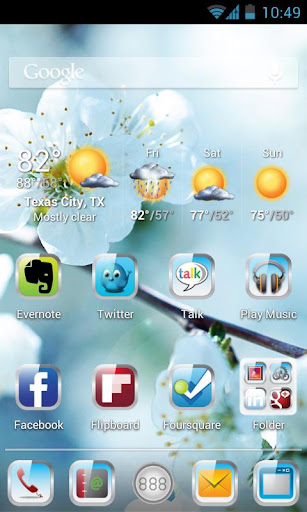
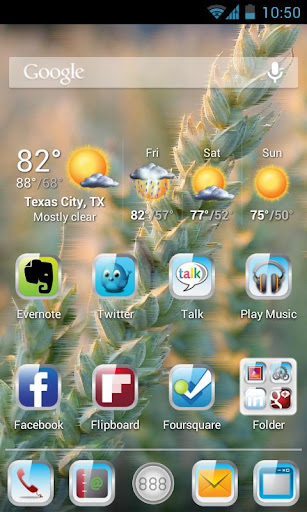
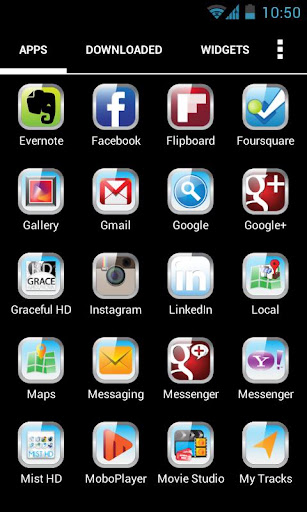
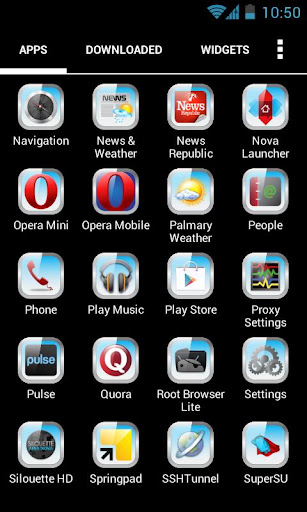
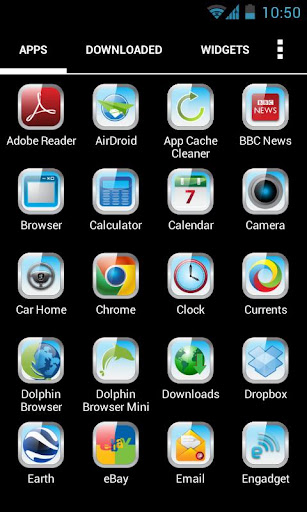
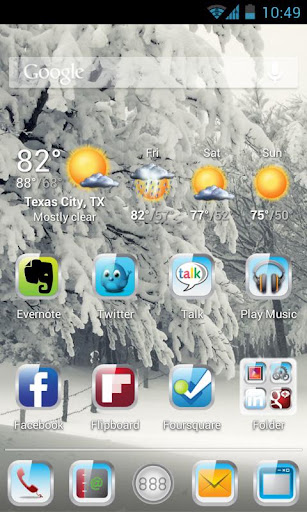
Mist HD Theme for Apex and Nova Launcher – This theme really stands out because of its elegant and classy bright colored icons. This theme gives a new look to your phone’s user interface.
  • 6 Beautiful HD Wallpapers
  • Matching Apex Skin
  • Customized Icons (More to be added in incremental updates)
If you need help or want to provide feedback, please email us atfeedback@photoxdesigns.com

Important tips:
  • Open App after installation and apply Apex Theme if you are using Apex Launcher or Apply Nova Theme if you are using Nova Launcher.
  • You can also Apply Wallpapers from the app.
  • This theme works with both Apex Launcher and Nova launcher.
  • The weather widget on screen belongs to Palmury Weather.Search “ Palmury Weather “ on Play Store to install.
Required Android O/S : 4.0+

Read More »


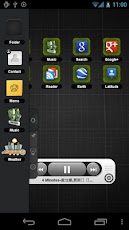
TSF Shell AIO Mega Pack
TSF Shell themes & content of pack
Android 2.1+

THEMES :
► TSF Shell Theme ICS v1.3
► TSF Shell MIUI Theme v1.1
► TSF Shell Theme Glass v1.1
► TSF Shell Pro 3D Glass v1.0
► TSF Shell Theme IPhone v1.0
► TSF Shell Ovi Theme v1.0
► TSF Theme meego v1.2
► TSF Shell Radio Theme v1.0
► TSF Shell Theme Box v1.0.2
► TSF Shell Tha Steel v1.2
► TSF Shell Tha Antimony v1.0
► TSF Shell Theme Andy v1.3
► TSF Shell Theme Black v1.4
► TSF Shell Theme Carbon v1.1
► TSF Shell Theme Classic v1.0
► TSF Shell Theme Coffee v1.1
► TSF Shell Theme Old IOS Theme v1
► TSF Shell Theme Piano v1.4
► TSF Shell Theme Red Swirl v1.3
► TSF Shell Theme Window v1.0
►TSF Theme Tron Evolution v1.1
►TSF Shell Theme Black(RED) v1.1
►PCB Blue TSF Shell Theme v1.1
►TSF Shell BlueGlow Theme v1.0
►TSF Shell Cerulean Theme v1.0


 WIDGETS :
►TSF Music Widget 1.2.1
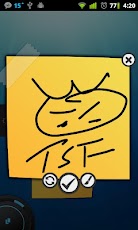
►TSF Notepad Widget 1.0
►TSF Weather Widget 1.1.1

Themes: http://ouo.io/4GLsma
Widgets: http://ouo.io/hfPBqA
TSF Shell v1.4.2.03 http://ouo.io/sxSduq


Read More »


My 3D Fish v1.3 play.google.com.my3dfishlivewallpaper
My 3D Fish is your new virtual 3D Aquarium, it's a live wallpaper, all in realtime in 3D. If You like plant aquariums or fish aquariums, then you'll love this wallpaper too :)
Aquarium have new beautiful backgrounds, plants, fishes, tank decorations. You may customize many options, and ON/OFF many elements.

What's in this version : (Updated : Mar 23, 2012)
  • NEW option : Predefined Aquarium (7)
  • NEW 2 Koi fish : Kohaku, Tancho Sanke
  • NEW decors type : Decor Center, Decor Two
  • NEW Decor Center: Stone lantern
  • NEW Decor Two : High bamboos
  • NEW Bottom : Zen Sand
  • NEW 3 Water backgrounds : Light cave, Shipweck, Sea rocks
  • NEW Plants : Bamboo
  • Fishes more realistic swiming
  • Smaler Plants ( for yours requests ! :) )
Required Android O/S : 2.1+


Download : 3.5Mb APK
 
    
Read More »


Lantern Festival 3D 1.3 play.google.com.livewallpaperwater
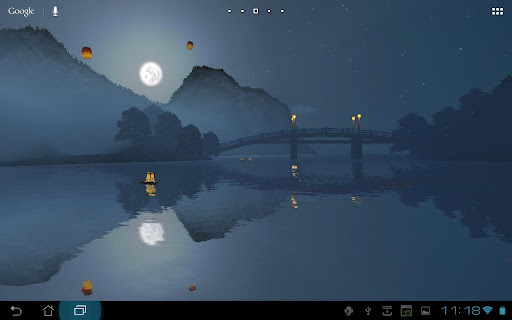
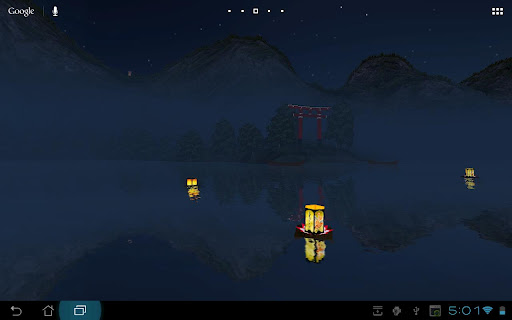
Calming night river with lanterns floating and flying around
This live wallpaper represents a typical night view of Lantern Festival celebration. The landscape is lit by fool moon, and lanterns are both in the air and on the surface of the river.

The Lantern Festival is celebrated in many orient countries, including China, Indonesia, Singapore and Malaysia. During the festival, people launch paper lanterns both to the sky and to the water.

Features:
  • view rotates as home screen changes;
  • customizable amount of lanterns;
  • customizable objects, like gates and bridge.
What's in this version : (Updated : Apr 29, 2012)
  • Performance improvements.
Required Android O/S : 2.2+


Download : 2Mb APK
     
Read More »


Fingerprint Lock v1.0 play.google.com.fingerprint.lock
Customizable Fingerprint Lock that actually locks your phone!
Get the only fingerprint scanner lock that actually works as a lock screen and uses your own wallpaper! Simply run the app and your normal lock screen will be disabled until you exit the app.

This app includes large, visible time and date and Customizable Features, including Themes and Fonts.
Your own wallpaper will be shown behind the lock screen, even Live Wallpapers!
Invalid identity scans will be denied access to prevent intruders. However when you scan your own thumb print, you will be granted access quickly and easily.

Access the settings menu to customize and personalize the Fingerprint Lock screen to your liking, including options to disable sounds, vibration, show or hide the date and/or help button, to change themes, or to change the font of the time and date.
  • Actually locks your phone!
  • No notification bar and button presses are disabled! (including Home and Back buttons)
  • Large, easy to read Clock and Date!
  • Many fonts and themes to customize your own personal lock screen!
  • Shows your own personal wallpaper, including Live Wallpapers!
What's in this version: (Updated : Apr 28, 2012)
  • Added position and size sliders
  • Added scanner visibility setting
  • Added more font choices
  • Added home screen widget
  • Added many more settings and features
  • Fixed some minor issues
Required Android O/S : 2.1+


Download : 1.3Mb APK
  
Read More »


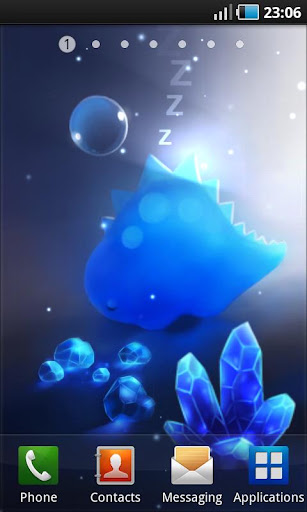
 Mini Dino v1.0.3 play.google.com.apofiss.minidino
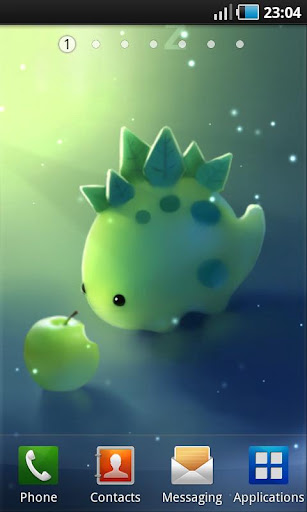
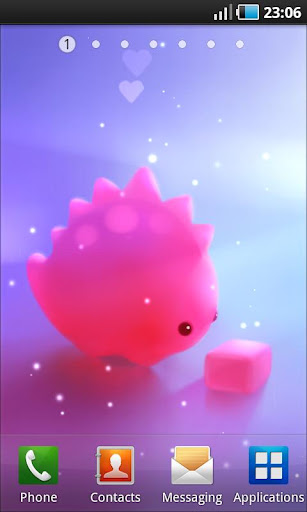
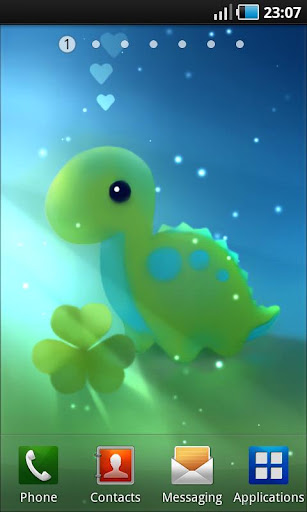
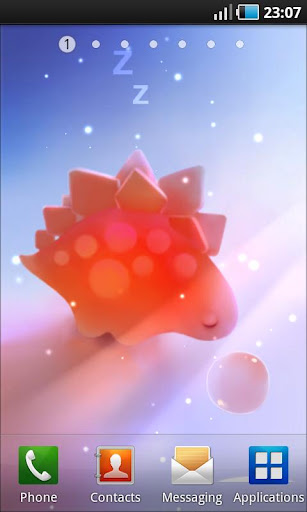
Mini Dinos reacts to your touch and comes alive within magical and unique atmospheres complemented with animated lights and fireflies! They sleep, are squishy, make cute sounds and you can wake them up or even pet them :3 All details are carefully crafted to make unique and magical atmospheres for all dinos.

Lots of customizations, themes and items to combine!

Features:
  • SD-card support
  • Based on OpenGL
  • Smooth and efficient
  • Technical support
  • Positive vibes :}
All art is original and handpainted!

What's in this version: (Updated : Apr 27, 2012)
  • Fixed very quiet sound volume "no sound at all".
Required Android O/S : 2.1+


Download : 1.5Mb APK
  
     
Read More »


Ultimate Fingerprint Lock PRO v1.5 play.google.com.ultimatelockpro

Required Android O/S : 2.1+

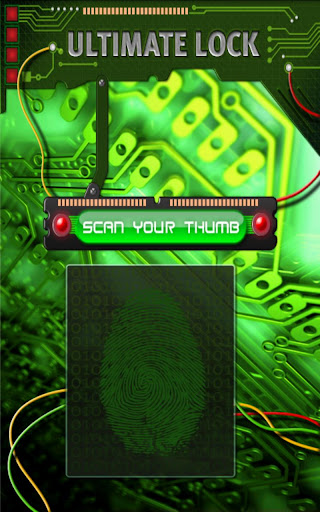
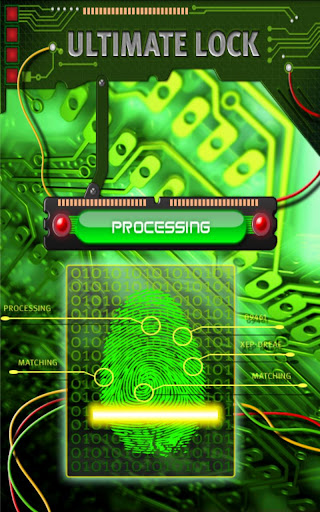
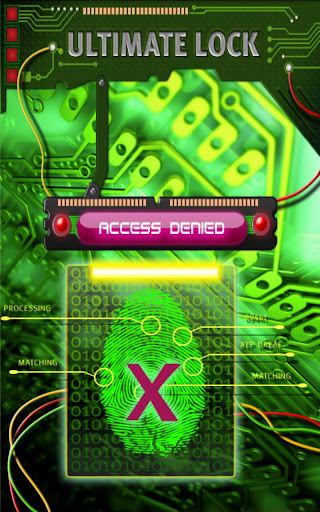
Keep prying eyes from your phone using virtual biometrics (Fingerprint Scanning) to unlock your phone. This visually stunning application works by granting access to those who have the appropriate security clearance and denying those who don't!

BONUS: If you have a front-facing camera on your device - this app can take security pictures of unauthorized users!

Make sure to read the introduction text to fully understand how to use this app. It does NOT actually read your fingerprint - it requires a special trick to unlock the device. The trick is set within the settings (touching one of the four corners) and then touching the unlock area (fake fingerprint scanner).

Features:

  • Fingerprint Lock Screen
  • Set Time to Scan Fingerprint
  • Take Pictures of Unauthorized Users (saved to photo album)
  • Set Unlock Area
  • Disable Back Button
  • Turn Sound FX On/Off
  • Review unauthorized access attempts
HOW TO USE APP:
  1. Set the "Unlock Area" within the application settings.
  2. Set any other settings you desire.
  3. To modify the settings later - click the app icon after you unlock your device.
UNLOCKING YOUR DEVICE:
  • When unlocking your device, press the designated unlock area that you set within your settings. (one of the 4 corners of your device)
  • Now scan your fingerprint. IT should show "Access Granted"
What's in this version : (Updated : Apr 15, 2012)
  Fixed Issues:
    ✔ Fixed some issues people were having with picture capture feature
    ✔ Fixed some F/C issues
    ✔ Added a "sound feedback" to the secret area
    ✔ Added Fan Page / Activate from Settings Screen
  Known Issues:
   ✔ Unauthorized access picture capture isn't working properly on all devices. - We're on it!
   ✔ Picture taking only works on devices with front facing camera. - Get a better device!
   ✔ Occasional Force Close - We're on it!
Read More »

Categories